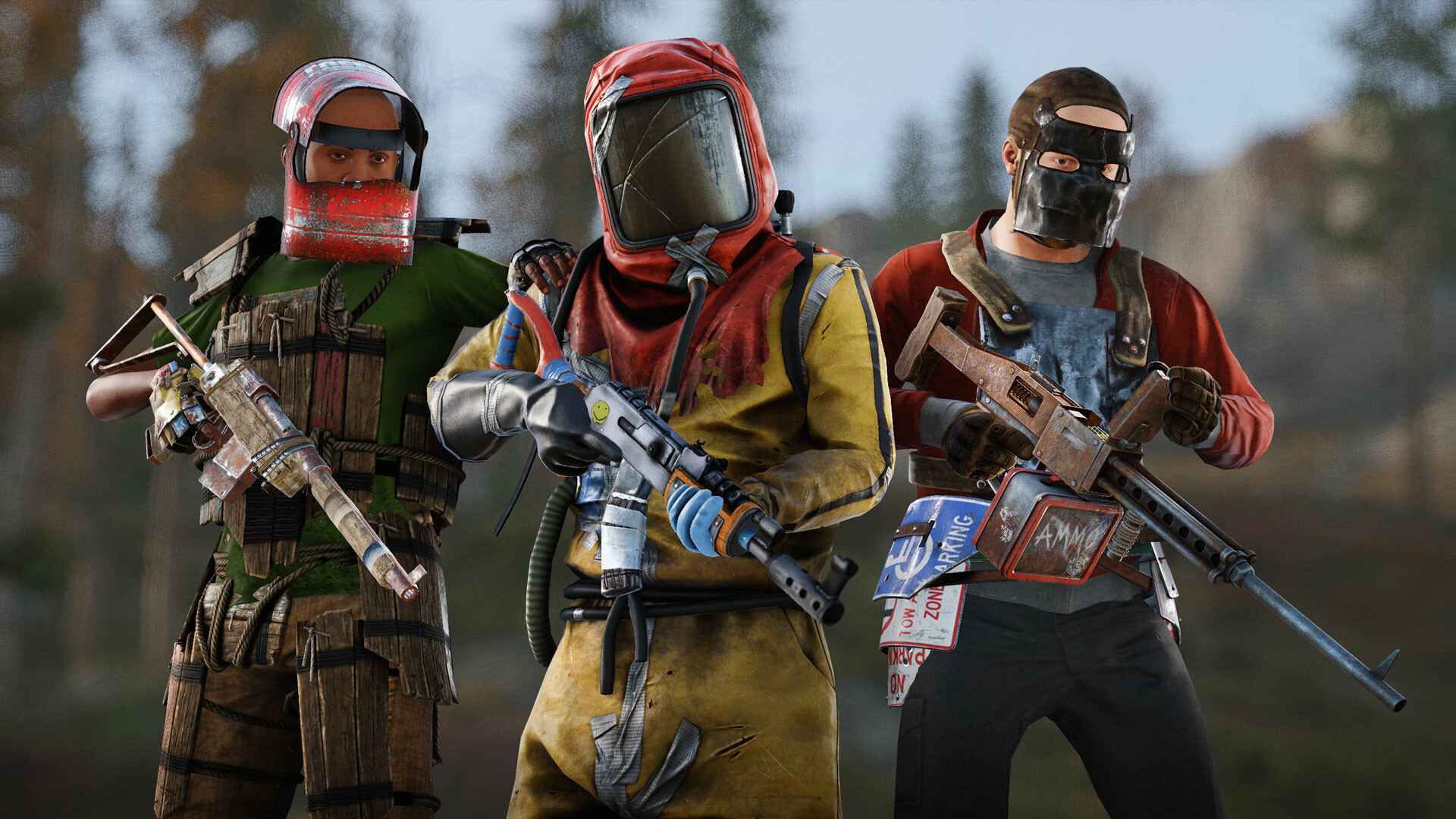
Every console command you need. Press F1 to open console, type commands, hit Enter. Admin commands require privilege level 2.
Press F1 to open the in-game console. Type your command and hit Enter. For admin commands, you need to be an admin (privilege level 2) on the server. Use admin command to check your privilege level. Commands are case-insensitive.
Server admins can give yourself admin with: admin <steamid>. Use ownerid <steamid> for full server ownership.
Optimize your FPS and stability with these commands. These directly impact how your game runs.
| Command | Values | Effect |
|---|---|---|
grass.on |
true/false | Enable or disable grass rendering. Disabling boosts FPS significantly. |
fx.quality |
0-3 | Effect quality levels. 0 is lowest, 3 is highest. |
decor.quality |
0-3 | Decorative object quality. Lower equals better performance. |
preload_graphics_resources |
true/false | Preload graphics to reduce stuttering during gameplay. |
engine.framerate_limit |
0-240 | Cap your FPS. 0 means unlimited. |
render.scale |
0.5-2.0 | Render scale multiplier. Below 1.0 for huge FPS gains. |
gc.enabled |
true/false | Garbage collection. Disabling may reduce stutters. |
global_frametime_ms |
number | Maximum frame time in milliseconds. |
Control appearance, field of view, and visual settings. These affect how the game looks but usually have less impact on performance than above.
| Command | Values | Effect |
|---|---|---|
fov |
50-110 | Field of view. Default is 75. Higher equals wider view but distorted. |
motion_blur |
0-1 | Motion blur intensity. 0 disables it. |
dof |
true/false | Depth of field effect. Can reduce visibility. |
lens_distortion |
true/false | Lens distortion effect at edges. |
film_grain |
0-1 | Film grain intensity. |
chromatic_aberration |
0-1 | Color distortion effect strength. |
sun_shadows |
true/false | Enable sun shadow rendering. |
hdr |
true/false | High dynamic range rendering. |
bloom |
true/false | Bloom effect on bright objects. |
ssao |
true/false | Screen space ambient occlusion. Adds depth shadows. |
Change gameplay mechanics and quality of life settings. These are player preference and do not give unfair advantage.
| Command | Values | Effect |
|---|---|---|
nametags |
true/false | Show player names above heads. Default true. |
nametags_distance |
0-100 | How far you can see nametags. |
chat.enabled |
true/false | Enable or disable chat. |
ignore_environment |
true/false | Ignore background environment in UI. |
show_popup_notifications |
true/false | Show kill notifications and alerts. |
player.gunsway |
0-1 | Gun movement sway during hold. Lower is steadier. |
player.camerapunch |
0-1 | Camera punch recoil effect from firing. |
audio.mastervolume |
0-1 | Master volume level. |
Server administrator commands. Requires admin privileges (level 2). These affect the entire server or other players.
| Command | Syntax | Effect |
|---|---|---|
admin |
admin <steamid> |
Grant admin privileges to a player. |
ownerid |
ownerid <steamid> |
Grant server owner privileges. |
revoke_admin |
revoke_admin <steamid> |
Revoke admin privileges. |
revoke_owner |
revoke_owner <steamid> |
Revoke owner privileges. |
ban |
ban <steamid> <reason> |
Ban a player from server. |
unban |
unban <steamid> |
Unban a player. |
kick |
kick <steamid> <reason> |
Kick a player from server. |
save |
save |
Save server data to disk. |
wipe |
wipe <blueprint/player> |
Wipe blueprints or player data. |
teleport |
teleport <name> |
Teleport to another player. |
teleport_to_me |
teleport_to_me <name> |
Teleport player to you. |
kill |
kill <name> |
Kill a player immediately. |
respawn |
respawn |
Respawn yourself. |
god |
god |
Toggle invulnerability mode. |
noclip |
noclip |
Toggle no-clip flying mode. |
give |
give <item> <amount> |
Give yourself or others items. |
Server-level settings. Used in server configuration files or admin console.
| Command | Values | Effect |
|---|---|---|
server.maxplayers |
number | Maximum players allowed on server. |
server.hostname |
text | Server name displayed in browser. |
server.description |
text | Server description. |
server.url |
URL | Server website URL. |
server.headerimage |
URL | Server banner image. |
decay.tick |
seconds | Building decay tick rate. |
pvp.enabled |
true/false | Enable or disable PvP. |
blueprint_wipe |
true/false | Wipe all blueprints on server restart. |
Used for testing and debugging. Mostly for developers but useful for troubleshooting.
| Command | Effect |
|---|---|
developer |
Toggle developer mode for advanced debug options. |
client.connect |
Connect to server IP address. |
quit |
Exit game immediately. |
version |
Show game version and build info. |
perf 2 |
Display performance metrics overlay. |
stats |
Display game statistics. |
Bind frequently used commands to keys with: bind <key> "<command>". Example: bind f "noclip" lets you press F for noclip.
Command history works with arrow keys up/down. Type the first letter and press up to cycle through commands starting with that letter.
Use bugreporter_includeconsole true to include console logs in bug reports, helpful for tracking issues. See the gestures guide for command binding tricks.
Commands stack: type multiple commands separated by semicolons. Example: god; noclip; tele me does all three at once.